
How to Check Your XML Sitemap (and Why a Broken One Quietly Kills Your SEO)
By the Stellah Team · Updated July 24, 2026
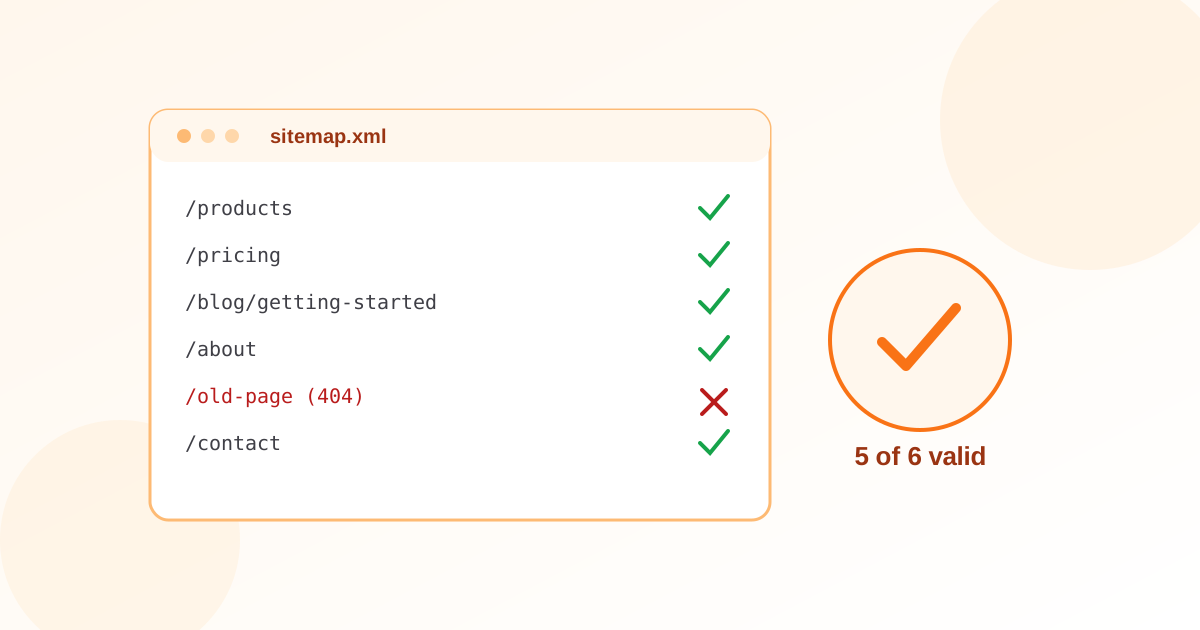
Your XML sitemap is the map you hand search engines: 'here is every page worth indexing.' When it's healthy, crawlers find new content faster and waste less budget. When it's broken — stale URLs, 404s, the wrong protocol, pages you told Google not to index — it sends mixed signals that quietly suppress your rankings, and nothing in your dashboard shouts about it.
The good news: checking a sitemap takes about two minutes. Here's exactly what to look for, and how to verify yours.
What a sitemap checker actually looks for
A sitemap checker fetches your sitemap and validates it against the sitemaps.org schema, then sanity-checks the contents. The checks that matter most:
- It's reachable and returns 200 — not 404, not redirected, not blocked by robots.txt
- It's well-formed XML with the correct namespace and no unescaped characters
- Every <loc> is an absolute, https URL on your canonical domain
- The URLs themselves resolve to 200 — not 404s, redirects, or noindex pages
- It stays under the limits: 50,000 URLs and 50 MB uncompressed per file
- Optional <lastmod> dates are valid W3C dates, not invented timestamps
Find your sitemap first
Most sites expose it at /sitemap.xml or /sitemap_index.xml. If you're not sure, check your robots.txt (it should contain a 'Sitemap:' line) or search 'site:yourdomain.com filetype:xml'. Large sites use a sitemap index that points to child sitemaps — check the index and each child.
Not sure where yours lives? Find and check it instantly.
Free Sitemap Finder & CheckerThe five problems that actually hurt you
- 1Dead URLs: listing 404s or redirect chains wastes crawl budget and erodes trust in the whole file.
- 2Noindex conflict: a URL in the sitemap that also carries a noindex tag is a contradiction — pick one.
- 3Wrong protocol or host: http:// or www/non-www mismatches make every entry a redirect.
- 4Staleness: a sitemap that never updates tells Google your site is abandoned. Regenerate it when content changes.
- 5Orphaned sitemap: if robots.txt and Search Console don't reference it, crawlers may never find it.
Verify it in Google Search Console too
A checker confirms the file is valid; Search Console confirms Google accepts it. Submit the sitemap under Indexing → Sitemaps and watch the 'Discovered' count. If Google reports fewer URLs than your file contains, that gap is your to-do list.
Check yours now
Paste your sitemap URL and get a plain-English report of what's valid and what needs fixing — free, no sign-up:
Run a free check on your XML sitemap.
Free Sitemap ValidatorFrequently asked questions
How do I check if my sitemap is working?
Fetch it in a browser (it should load as XML, not 404), then run it through a sitemap checker to validate the format and confirm the listed URLs return 200. Finally, submit it in Google Search Console and check the discovered-URL count.
Where is my XML sitemap?
Usually at yourdomain.com/sitemap.xml or /sitemap_index.xml. Your robots.txt should also list it on a 'Sitemap:' line. A sitemap finder tool can locate it automatically.
How often should I update my sitemap?
Whenever you add, remove, or significantly change pages. Most CMSs and frameworks regenerate it automatically; if yours doesn't, rebuild it on publish so the <lastmod> dates stay honest.
Does a broken sitemap hurt SEO?
Indirectly, yes. It won't get you penalised, but 404s, noindex conflicts, and staleness waste crawl budget and slow indexing of your good pages — so they rank later and less reliably.