How to Convert PDF to Markdown Free: 3 Ways That Actually Preserve Structure
By the Stellah Team · Updated July 18, 2026
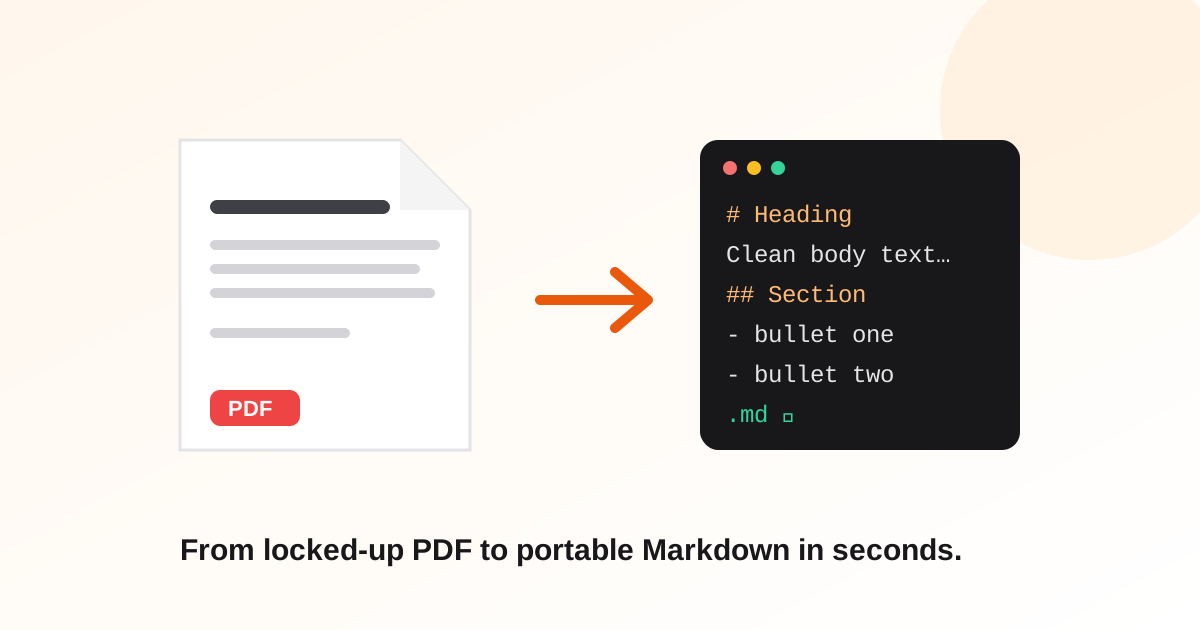
PDFs are where text goes to become uneditable. Markdown is the opposite: portable, version-controllable, and the native language of docs sites, wikis, and AI knowledge bases. Getting from one to the other cleanly is the trick — a PDF stores positioned characters, not structure, so the converter has to reconstruct headings and lists by inference.
Here are three free routes, in order of effort.
Method 1: an online converter (10 seconds, no install)
For everyday documents this is the whole job: upload the PDF, get Markdown, copy or download it. Our converter runs the extraction in memory and stores nothing — the file is processed and discarded.
- 1Open the free PDF to Markdown converter
- 2Upload your PDF (up to 15 MB)
- 3Copy the Markdown or download the .md file
Upload a PDF, get clean Markdown — nothing stored.
Free PDF to Markdown ConverterMethod 2: pandoc (free, command line, batch-friendly)
If you convert documents regularly and live in a terminal, pandoc is the standard: 'pandoc input.pdf -o output.md' — with the caveat that pandoc reads PDFs through helper tools and results vary more than its stellar DOCX handling. It shines when you can get the source as DOCX or HTML instead; for PDF-only sources, expect cleanup on complex layouts.
Method 3: AI-assisted extraction (for messy PDFs)
When the layout is hostile — multi-column reports, decorated headings, footers repeating on every page — pure extraction produces word soup. The AI route: extract the raw text, then have an AI restructure it into headings and lists. Practical version: upload the PDF to a chat-with-PDF tool and ask for 'this document's content as clean Markdown with proper headings.'
What no free method fixes
- Scanned PDFs with no text layer — that's OCR territory, a different problem
- Tables with merged cells — every converter approximates; check them by hand
- Perfect heading levels — inference from font sizes is good, not clairvoyant; expect to promote or demote a few
Why Markdown is worth the trip
Once your content is Markdown it works everywhere: Git diffs show what changed, static site generators publish it, and AI knowledge bases ingest it cleanly — a PDF manual converted to Markdown is exactly the food a support chatbot wants.
Frequently asked questions
Can I convert PDF to Markdown without installing anything?
Yes — browser-based converters handle it in seconds. Ours processes the file in memory, returns the Markdown, and stores nothing.
Why does my converted Markdown look flat, with no headings?
The PDF likely encodes headings only as bigger fonts, which weak extractors flatten to plain text. Use a converter that infers structure, or run the AI-restructure route for stubborn layouts.
Does converting work on scanned PDFs?
No — a scanned PDF is photographs of text. It needs OCR first to create a text layer; only then can any converter produce Markdown.
Is it safe to upload PDFs to an online converter?
Check the tool's data policy. Ours converts in memory and never stores the file — but for genuinely sensitive documents, the local pandoc route keeps everything on your machine.