
How to Write an FAQ Page That Actually Deflects Tickets (Template Included)
By the Stellah Team · Updated July 18, 2026
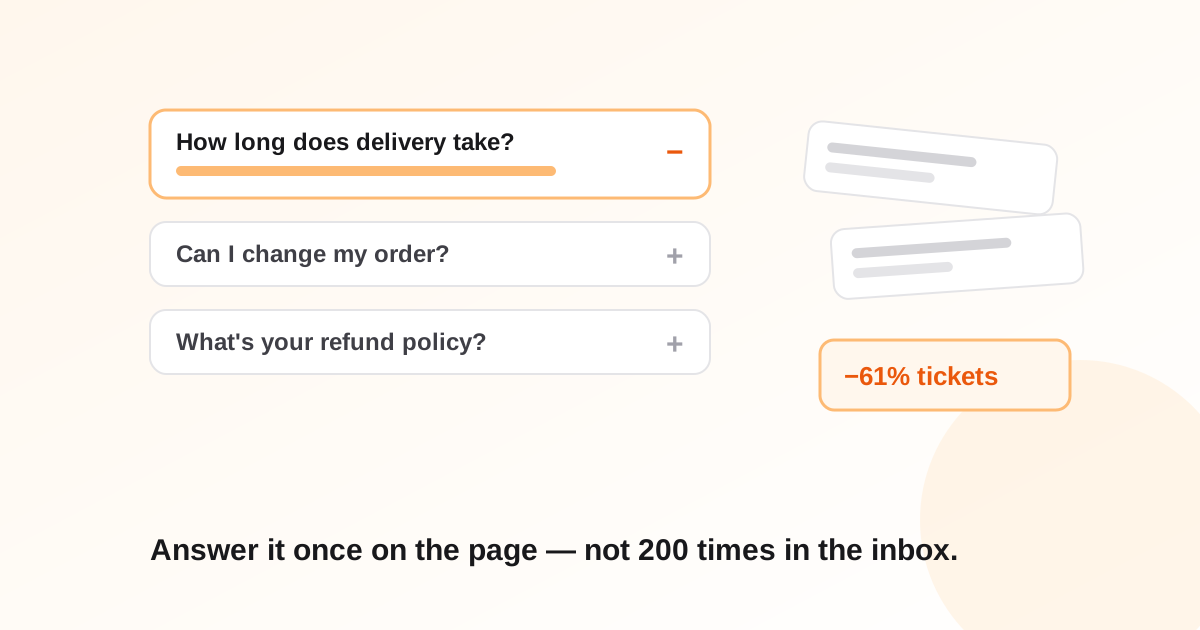
Most FAQ pages are written in a conference room: someone guesses what customers might ask, polishes the answers, ships the page — and the ticket queue doesn't move. That's because guessed questions and asked questions are different lists.
A deflecting FAQ is built backwards: from your inbox to the page. Here's the process, the structure that works, and a template you can copy today.
Start from tickets, not brainstorms
Export your last 200+ support conversations and tag each by underlying question. Keep the customer's phrasing — 'where's my stuff' beats 'order tracking inquiries' as a heading, because it's the words people search the page for. Your FAQ's table of contents is now written: the top 10–20 tags, ordered by frequency.
Write answers that end the conversation
A deflecting answer resolves; a deflecting-ish answer generates a follow-up ticket. The difference is structure:
- 1First sentence: the direct answer, no preamble. 'Delivery takes 2–4 business days.'
- 2Then the exceptions: 'Orders over $100 ship free; rural addresses add 1–2 days.'
- 3Then the action: a link or button to do the thing — track, cancel, change address — right there in the answer.
Test every answer with one question: if a customer reads only this, do they still need to email us? If yes, the answer isn't finished.
The structure that works (your template)
- Group by task, not department — 'Ordering', 'Delivery', 'Returns', 'My account', not 'Sales' and 'Logistics'
- 5–8 questions per group, most-asked first; past ten, findability collapses
- Questions phrased as customers phrase them, in first person: 'Can I change my order after paying?'
- One page with anchors beats a maze of sub-pages — searchable with Ctrl-F, crawlable in one pass
- A visible escape hatch: 'Didn't find it? Chat with us' — an FAQ that traps people creates angrier tickets
Put answers where questions happen
The FAQ page is the archive, not the front line. The delivery answer belongs on the product page; the refund answer belongs in the order-confirmation email; the setup answer belongs in onboarding. Every answer moved upstream deflects tickets the FAQ page would never see.
Add FAQ schema so Google shows your answers
Marking the page up with FAQPage structured data makes your questions eligible to appear directly in search results — deflecting tickets from people who never even reach your site. Every FAQ and article on stellah.app uses it; it's a solved problem with any modern framework or a plugin.
Generate your first draft in minutes
Describe your product and get a ready-to-edit FAQ draft — then replace guesses with real inbox data as it accumulates:
Describe your product, get a complete FAQ draft.
Free AI FAQ GeneratorFrequently asked questions
How many questions should an FAQ page have?
10–25 across 3–5 task-based groups. Fewer looks thin; many more means it's absorbing content that belongs on product pages or in docs.
Do FAQ pages help SEO?
Yes, twice over: they capture long-tail question searches, and with FAQPage schema your answers can appear directly in Google results. They also feed AI answer engines that cite sources.
How do I measure whether the FAQ is working?
Watch tickets-per-order (or per active user) before and after, and tag incoming tickets that the FAQ already answers — that residue tells you the page has a findability problem, a wording problem, or both.
Should the chatbot and the FAQ page share content?
Absolutely — the same question-answer pairs should power both. Write once, serve everywhere: page, chatbot, and search results.